

A contact form is the smallest promise a website makes: write to us and someone will read it. Most small sites keep that promise by posting the form to a service somebody else runs, which then holds every message their customers ever sent.
I did not like that for the sites I build, so I wrote Miniform: a quiet, self-hosted inbox for form submissions. One small program, one database file, your server. Your website keeps its own form and its own look. Miniform receives the message, keeps it searchable, and sends the notifications you configured, by email or to another service.
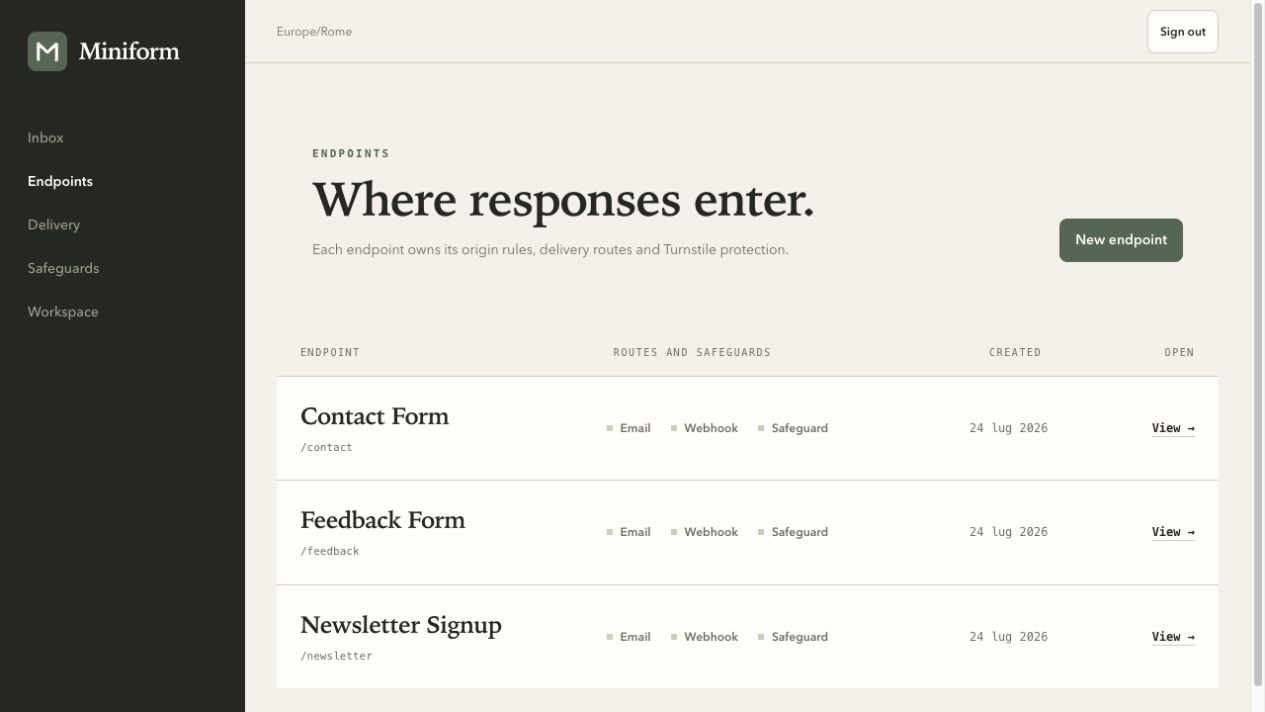
The demo workspace: a contact form, a feedback form and a newsletter signup, each with its own address and settings.
Save the message first, send the email second
The decision at the centre of Miniform is an order of operations. When a submission arrives, it is saved before anything else happens. Only then does the email go out. If the mail server is down, the message is already safe in the inbox and the failed delivery has its own record, with the error and a button to try again.
That sounds obvious until you imagine the alternative, which is how many form backends work: the email is the message, and if it does not arrive, nothing did. I have been on the receiving end of that silence.
I wanted the person running the site to see "the message arrived, the notification did not" instead of nothing at all. So every notification is its own entry, with its own history. Two recipients, one mail server down: one delivery succeeds, the other waits for a retry, and the inbox tells you exactly that.
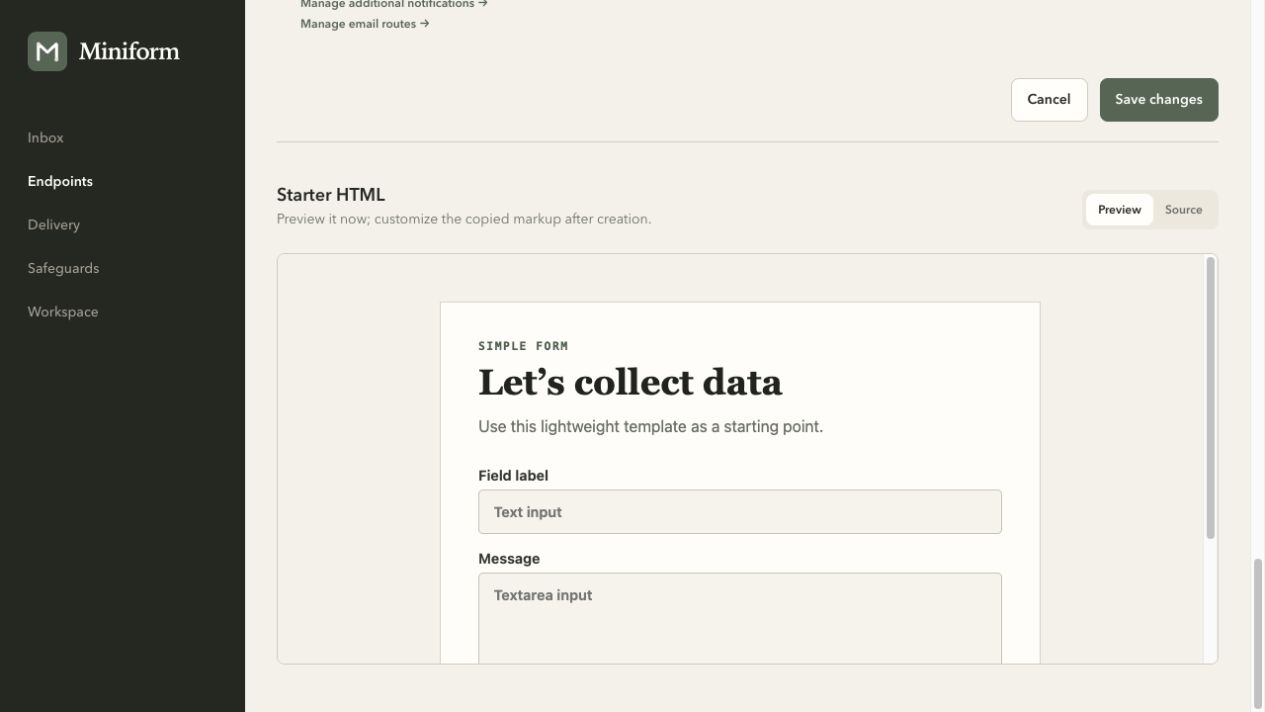
The starter form you can paste into a website, with the spam trap already in it.
Two retries that must not be confused
Writing the retry logic taught me that "try again" means two different things depending on who is trying.
When Miniform retries a notification, it is retrying behind a message that already exists, so repeating is safe. When a visitor's browser retries the original form request, because the connection dropped before the confirmation arrived, the first copy may already be in the inbox.
The integration guide therefore tells custom clients to send once and leave an ambiguous failure to the person at the keyboard. It was a good reminder that reliability is a property of a whole path, not of one component.
Small on purpose
Miniform is deliberately one process with one database file. That keeps an installation tiny and makes its limits explicit: it is built for a single server, not a fleet.
Attachments are off until you turn them on for a form, then checked and counted against a quota, and kept outside the database, which means a backup has to include them.
The quiet part is a choice too. No dashboards, no exclamation marks, success messages that just say what happened. The interface is meant to feel like a well-kept notebook, and the brand guide in the repository says "every form response, in your own quiet inbox", which is still the best one-line description I have.
What I learned
Boring reliability is the feature. Nobody will ever praise a form backend; they will only notice the day a message goes missing.
Say what the system will not do. Writing down that Miniform is for one server, and that backups are the operator's job, made the design simpler and the documentation more honest.
Small projects deserve the same care as big ones. Miniform has had three maintenance releases this month alone, mostly hardening how it parses requests. It is MIT licensed, with a container image and a demo you can run in a minute.
If you run your own websites and want their forms to land somewhere you control, give it a try. If you have built this kind of plumbing yourself, I would like to hear what you got wrong first.
Links
- Miniform on GitHub: source, releases and documentation, MIT.
- Submitting forms: how a website sends its form to Miniform.
- Installation: the container image, storage and backups.